

1
Teach your model when to build UI
A tool your model never reaches for is not a feature, so paste this beside
whatever you already say about your other tools.Those slot ids are yours to publish, and the next step makes one.The same guidance ships to Claude Code as a skill,
your agent's system prompt
examples/claude-code-plugin/skills/make-a-screen.Skip this step on the in-product track — Vendo’s own agent already carries this
guidance.2
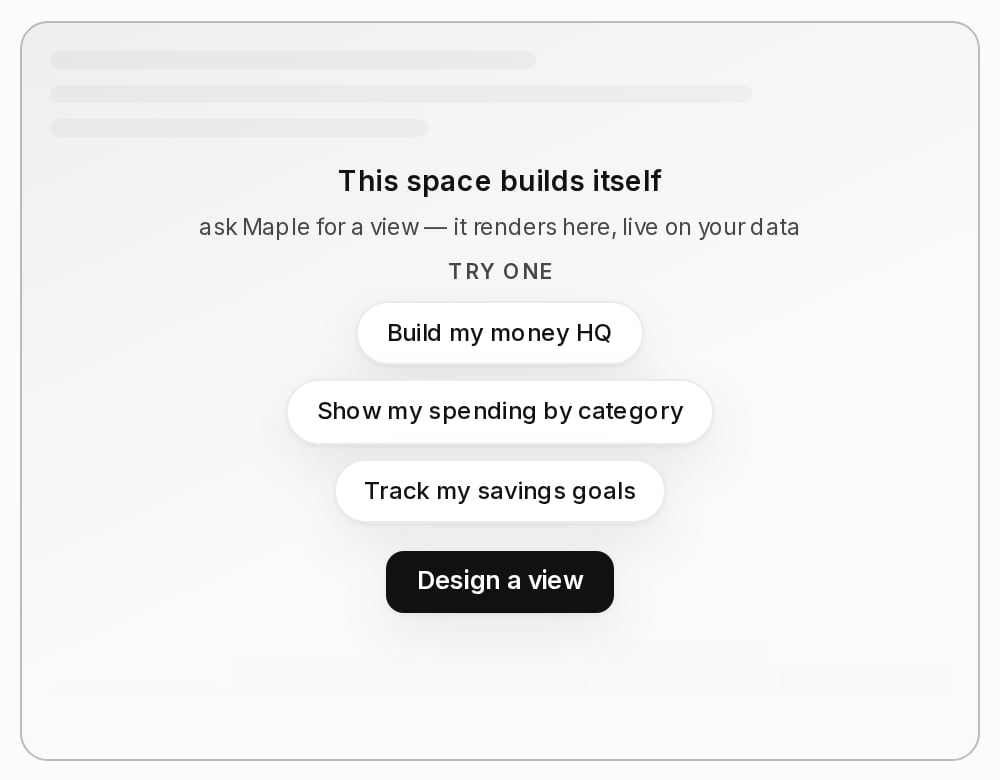
Put a slot in your page
3
Pin something
The slot is the whole wiring. Once one is mounted, every finished app grows a
placement action on its bar — in Vendo’s panel and on the embed card in your own
chat alike. With one slot in your product that is a one-click Pin to
dashboard; with several, the same button is an Add to… picker and the
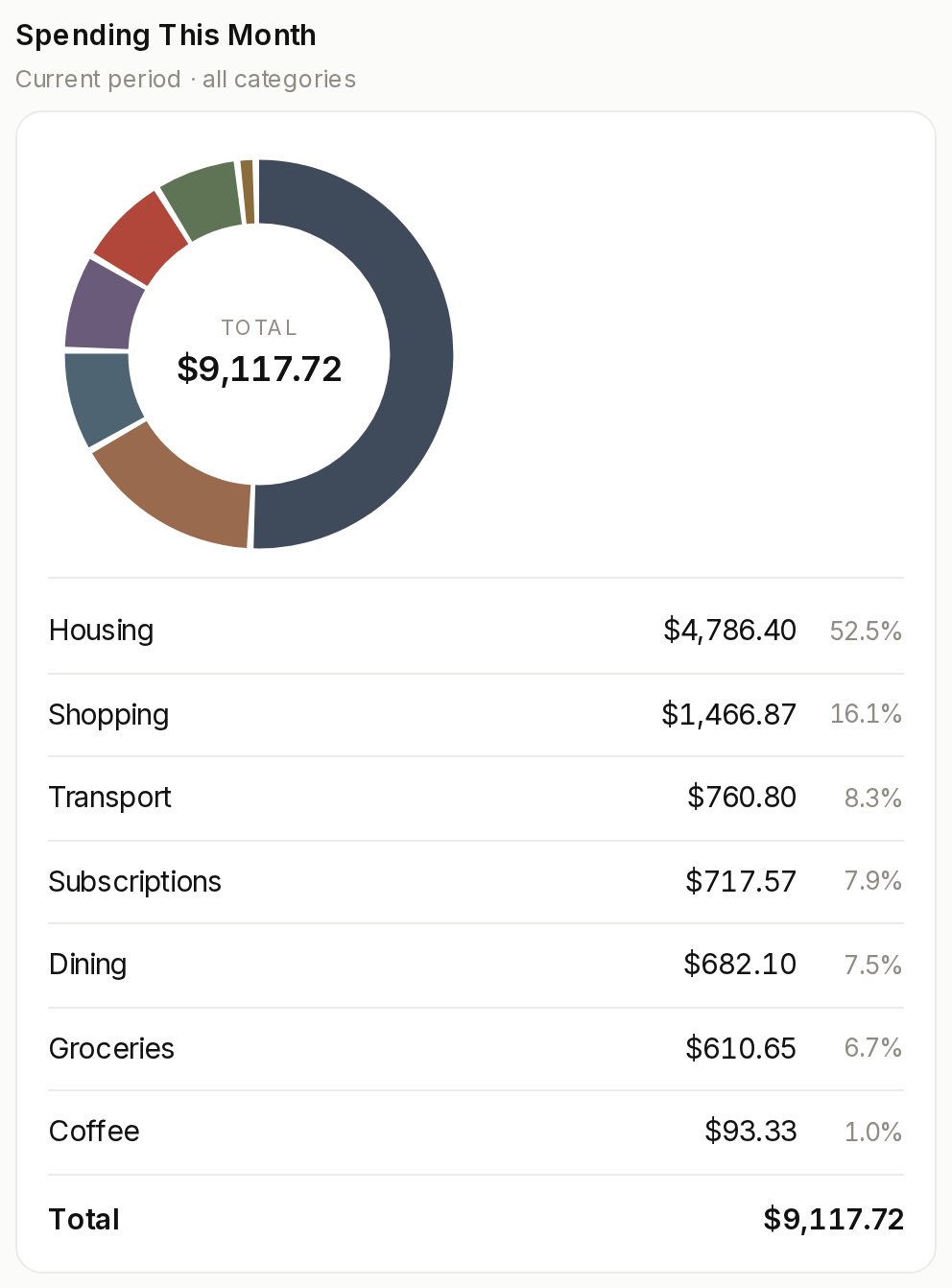
person chooses.Ask for a dashboard, press Pin to dashboard, and reload the page. It is in
your product now.