

Prompt
Install Vendo in this repo. Read https://vendo.run/agents.md and follow it exactly. Relay Vendo’s setup questions to me and use my answers. Ask me before creating any account or key — Vendo Cloud is the recommended option. You’re done when my app runs and the agent answers from my own API. Then ask me whether I’d like to star it via https://vendo.run/star?src=docs to support the project.
Just want an agent?
The smallest thing Vendo does needs no CLI, no init, and nothing moved around. Install one package and write one call:init is how you
get there.
Quickstart
No agent handy? Do it by hand. Three steps.1
Install
One package. Only the blocks your project uses ship.On pnpm the install downloads everything and then exits 1 with
Ignored build scripts: @mongodb-js/zstd, esbuild, node-liblzma. None of the three needs compiling — Vendo reaches esbuild through its Node API, which that script has nothing to do with, and the other two are the shell’s optional native tar backends, behind guarded imports nothing calls. pnpm writes the three names into your pnpm-workspace.yaml with a placeholder; set all three to false and install again.pnpm-workspace.yaml
2
Run npx vendo init
init reads your repo before it asks anything. Then it writes the wiring.Paste the snippet init prints. It comes with your real paths already filled in, and it is the only edit you make by hand.On Next.js it also adds one line to your
terminal
next.config — serverExternalPackages: ["@vendoai/apps", "esbuild", "@electric-sql/pglite", "@vendoai/store"]. Vendo checks every generated screen with esbuild at runtime, so its checker has to stay out of the server bundle. If init could not read your config, it prints the line instead and vendo doctor holds you to it (E-CFG-004).3
Continue in your direction
The init was the same for everyone. From here the code differs: the answer
you gave that first question is the path you are on. Continue with the one
you picked.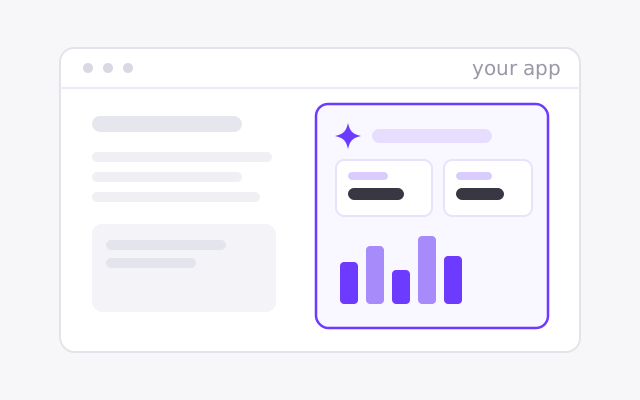
Vendo's Full-Stack Agent
Vendo runs the loop and renders screens in your brand.
<VendoProvider>Quickstart →In your existing agent
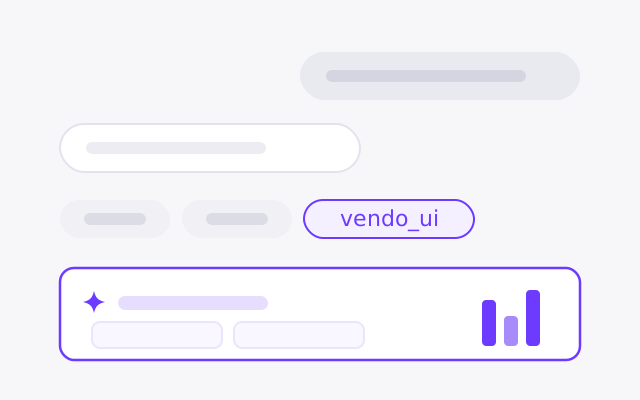
Keep your loop. Vendo adds tools and renders the result.
vendoTools(vendo)Quickstart →From outside agents
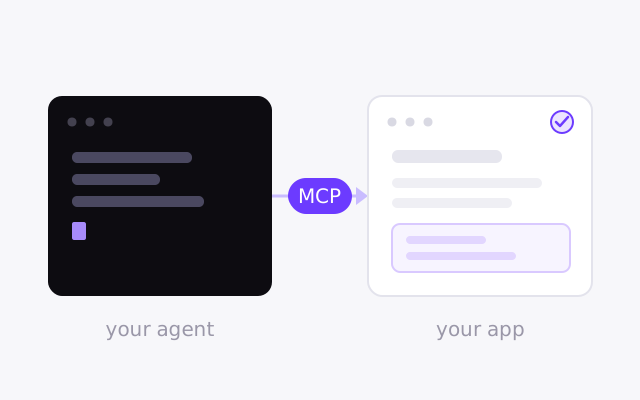
Your own agent, acting as the signed-in user.
createVendo({ mcp: true })Quickstart →